


Published: January 21, 2026
From Chrome 144 the update process for installable web apps that have a web app manifest has been streamlined, making it more deterministic, predictable, and efficient. This post explains the current approach and the changes that we've made to improve it.
The previous approach (before Chrome 144)
Prior to Chrome 144, web applications lacked a specific event to trigger updates proactively. Instead, updates can occur when developers modify the app manifest or its associated icons. The update process begins when a user agent retrieves a manifest using a manifest link, which typically happens when a user visits a site or launches an app (with that manifest linked). To determine if an update is required, the system compares the current manifest and icons against the previously recorded state. This procedure was resource intensive as it always required the downloading of icons from the network to perform a bitmap comparison.
To mitigate server strain from icon downloads, Chrome implemented a throttle to limit these checks to once a day per app, but total bandwidth consumption remained high. Furthermore, restricting checks to once a day causes inconsistencies during development and testing, while also hindering developers from providing reliable solutions to users who haven't received updates.
With this approach, developers had to navigate complexities when implementing security-sensitive changes, such as updates to an app's name or icon, often called App Identity changes. Because Web Apps lack a central authority like Google Play to review updates, these modifications must be presented clearly to users for confirmation. Determining the most appropriate time to prompt users for these changes, however, remained a challenge.
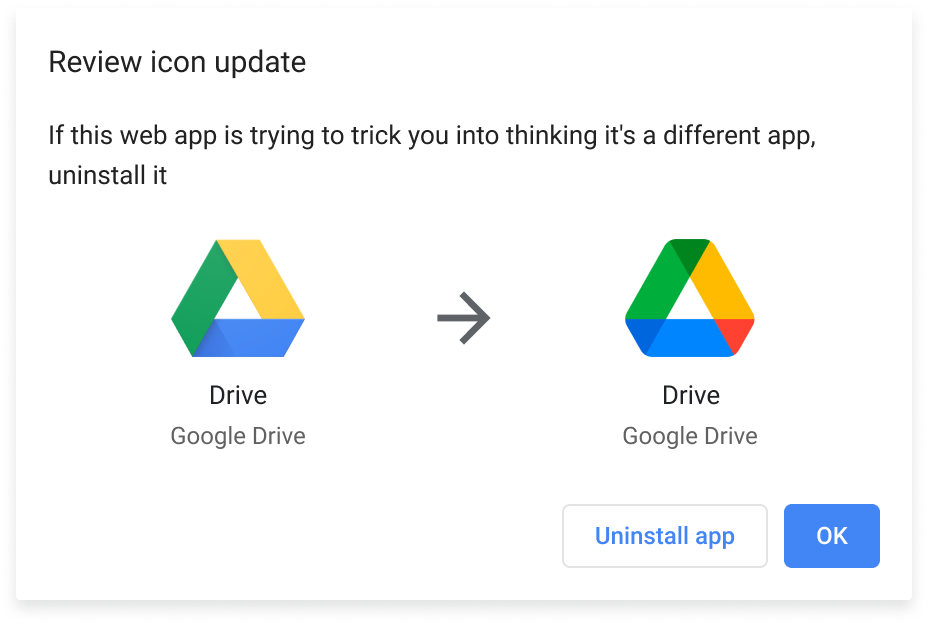
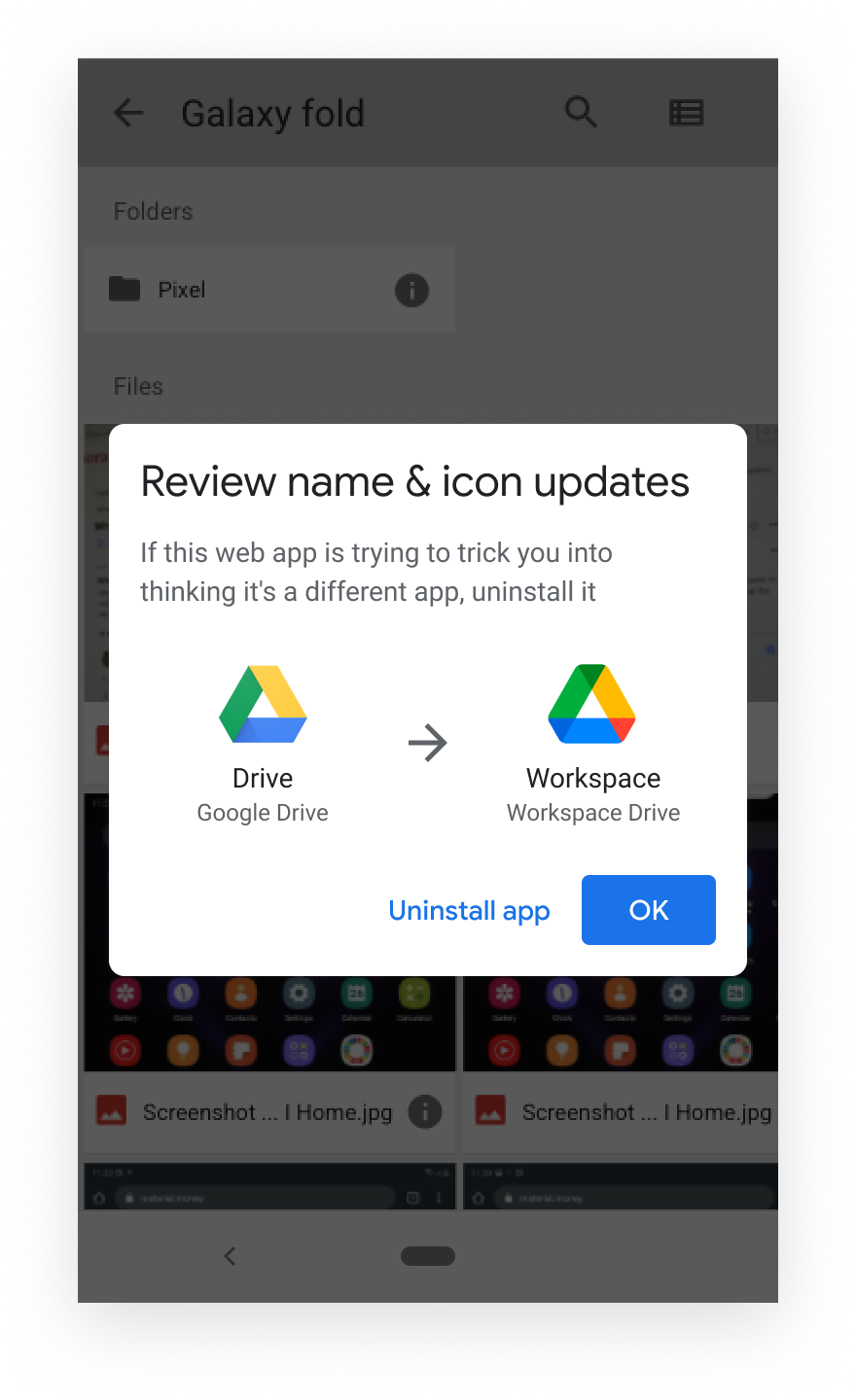
Past iterations of the update dialog also frequently caused confusion by claiming icons had changed when they appeared visually identical to the user. This issue stemmed from relying on direct pixel comparisons, which often flagged negligible differences. While some variations resulted from intentional developer tweaks, many were caused by CDNs dynamically re-encoding images. This frequent over-triggering of the confirmation dialog eventually led to the disabling of icon updates in Chrome 91.
To resolve this on Chrome for Android, a visual difference threshold was introduced several years ago. This ensures that user confirmation is only requested if the icon changes are significant. This refinement allowed icon updating to be reinstated on Android, although the feature has remained disabled for Chrome on Desktop.
Constraints and goals for changes to web app updates
The following objectives guided the development of the new update process:
- Preserve user expectations: Because an app's identity is intrinsically linked to its origin, its name and icon must not be altered without explicit user approval.
- Ensure functional consistency: Applications should remain as current as possible for all users to ensure consistent functionality.
- Provide predictable UX and dialogs: Developers should be able to easily anticipate when users will encounter interface prompts regarding updates to app names or icons.
- Optimize network usage: The update mechanism should minimize unnecessary data traffic.
What changed in Chrome 144?
Name and icon updates are now optional
In the past, users faced a disruptive dialog requiring them to either uninstall the app or immediately accept icon and name changes. This has been replaced by a more user-friendly suggestion accessed from an expanded 3-dot menu. Upon selection, users now have the choice to completely ignore these identity changes if they prefer.
While most manifest updates are applied right away, app icons and names—regarded as security sensitive members—are stored separately. This lets users review and apply these specific changes at their own convenience.
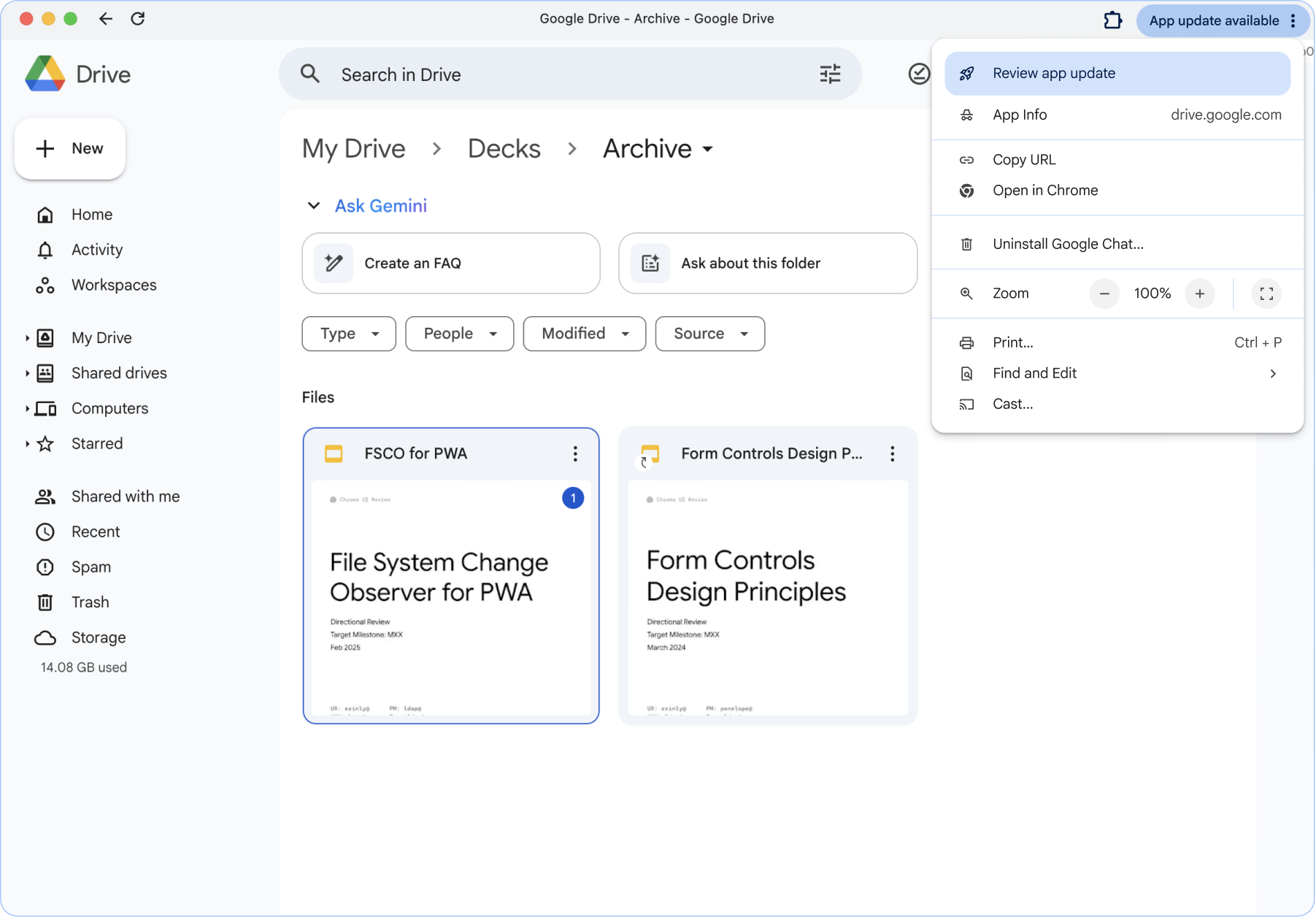
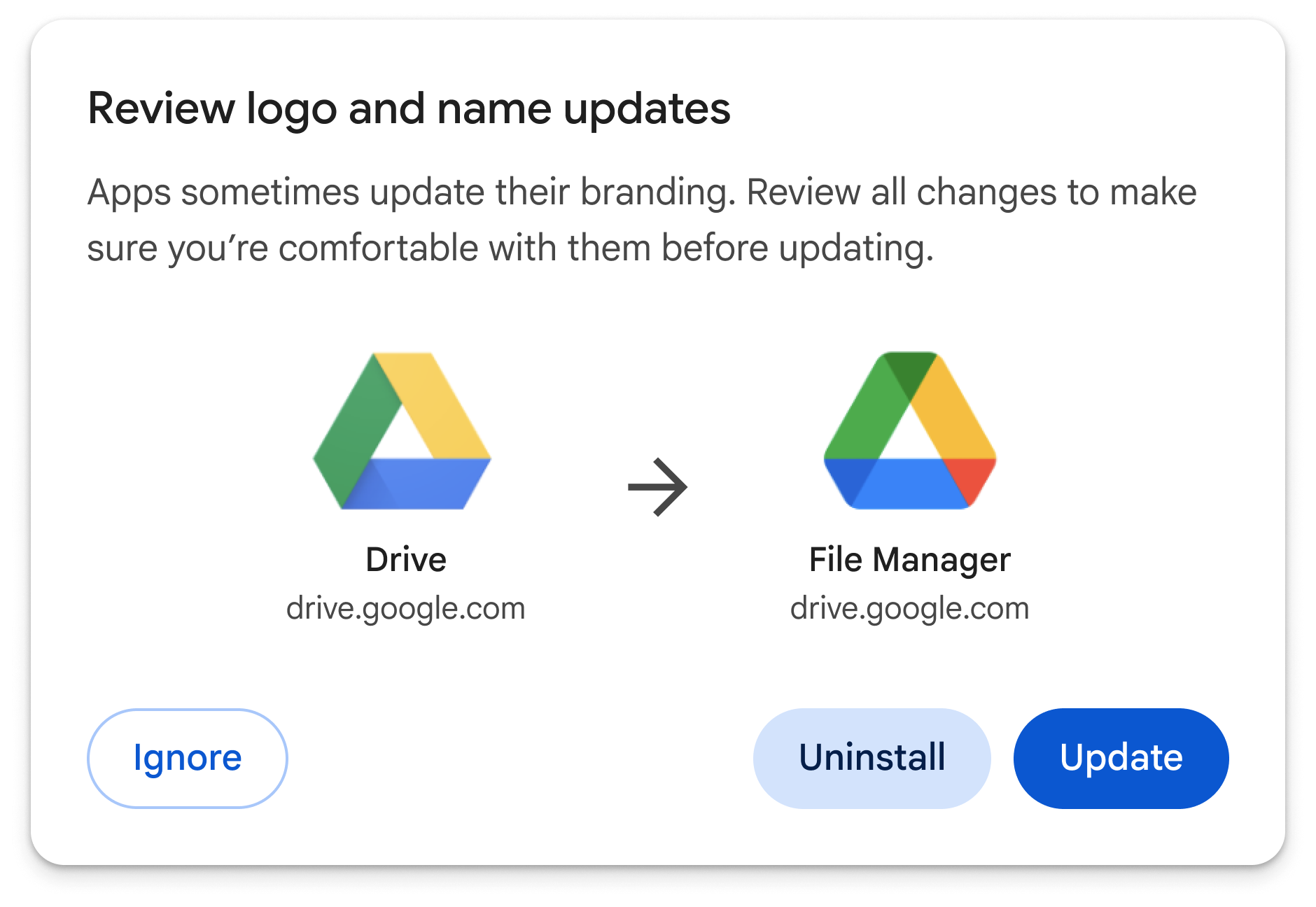
Clicking on Review app update shows the revised dialog. The title changes based on which elements are updating.
Icons are not downloaded if the icons field has no changes
Icons are now considered unchanged if the
icons
field in the manifest remains the same as the last applied version. Under this
new logic, Chrome avoids downloading icons for visual comparison, effectively
treating icon URLs as
Cache-Control:immutable.
To trigger an icon update, developers are now required to modify either the
metadata or the icon URL.
Removal of the update throttle
Because Chrome no longer downloads icons every time it encounters a manifest for an installed application, the previous restriction—which limited update checks to once per day—has been eliminated. Developers can now rely on the update occurring immediately for all non-security-sensitive members.
Handle minor icon variations across platforms
To improve the user experience, Chrome now automatically applies icon updates that show less than a 10% difference in a pixel-by-pixel comparison. This ensures that minor variations, such as those caused by CDN re-encoding, don't trigger a confusing update dialog for the user.
This allowance is throttled to once per day to prevent potential abuse. If further changes occur within that window, the icon is treated as a standard update and the user is prompted to confirm the change.
Icon and name update example
{
  "name": "Example App",
  "short_name": "App",
  "id": "https://www.example-app.com/",
  "start_url": "https://www.example-app.com/index.html",
  "scope": "https://www.example-app.com/",
  "icons": [
    {
      "src": "https://www.example-app.com/img/app.png",
      "sizes": "512x512",
      "type": "image/png",
      "purpose": "any"
    }
  ],

  ... other attributes omitted ...
}
Changing the icon URL guarantees that the user will see an update dialog to change the icon.
{
  "name": "Example App",
  "short_name": "App",
  "id": "https://www.example-app.com/",
  "start_url": "https://www.example-app.com/index.html",
  "scope": "https://www.example-app.com/",
  "icons": [
    {
      "src": "https://www.example-app.com/img/app-NEW-URL.png",
      "sizes": "512x512",
      "type": "image/png",
      "purpose": "any"
    }
  ],

  ... other attributes omitted ...
}