


By default Chrome auto-updates to ensure every user is running the latest, most stable and secure version of Chrome including every latest feature—the version of Chrome released on the stable channel.
As a company developing a web-based product you may want to use a browser version ahead of the stable channel, to give your product teams time to adapt your product to changes to the web platform.
For this use case Chrome offers a total of four release channels, intended for different user groups.
In the case of Chrome, there are different release channels that you can use, to anticipate future browser changes and test the latest features before they are widely available:
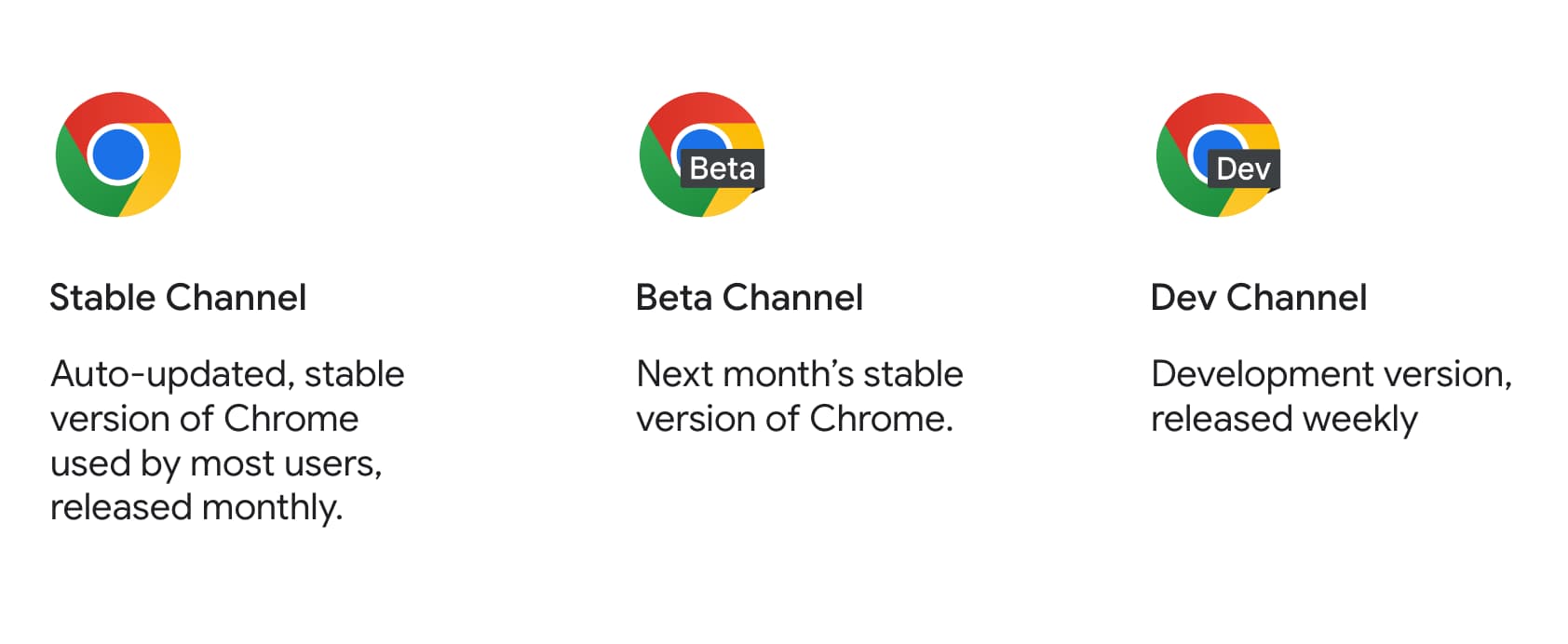
- Stable channel: This is where most of the users are. The stable channel automatically updates when there is a new Chrome release, which happens monthly.
- Beta channel: This version will become stable in four to six weeks, giving you a chance to preview and test an upcoming stable release and prepare for it.
- Dev channel: This channel gets a new version of Chrome once a week and includes all the latest fixes that will eventually move into beta. As the channel name suggests, it's in development and might therefore break unexpectedly—but it also includes the newest features, sometimes long before they make their way into stable. That makes the dev channel a great tool for prototyping and cutting-edge development.
- Canary channel: The most experimental channel, containing every latest feature but without much testing. At least released daily.
If you want to learn more about Chrome's channels, checkout the relevant Chrome Concepts episode.
See What are Chrome release channels? to learn more about Chrome release channels.
Chrome for Testing

Chrome provides a solution for reliable downloads for browser automation called Chrome for Testing. This isn't a channel but a dedicated Chrome flavor that specifically targets web app testing and automation use cases.