


Published: November 13, 2026
If you're a regular reader of this site, follow Chrome for Developers on X, LinkedIn, or Bluesky, or opened the What's new panel in DevTools this week, you've almost certainly heard the news. But for everyone who had their heads down shipping: Modern Web Guidance is now available as a stable version 1.0.
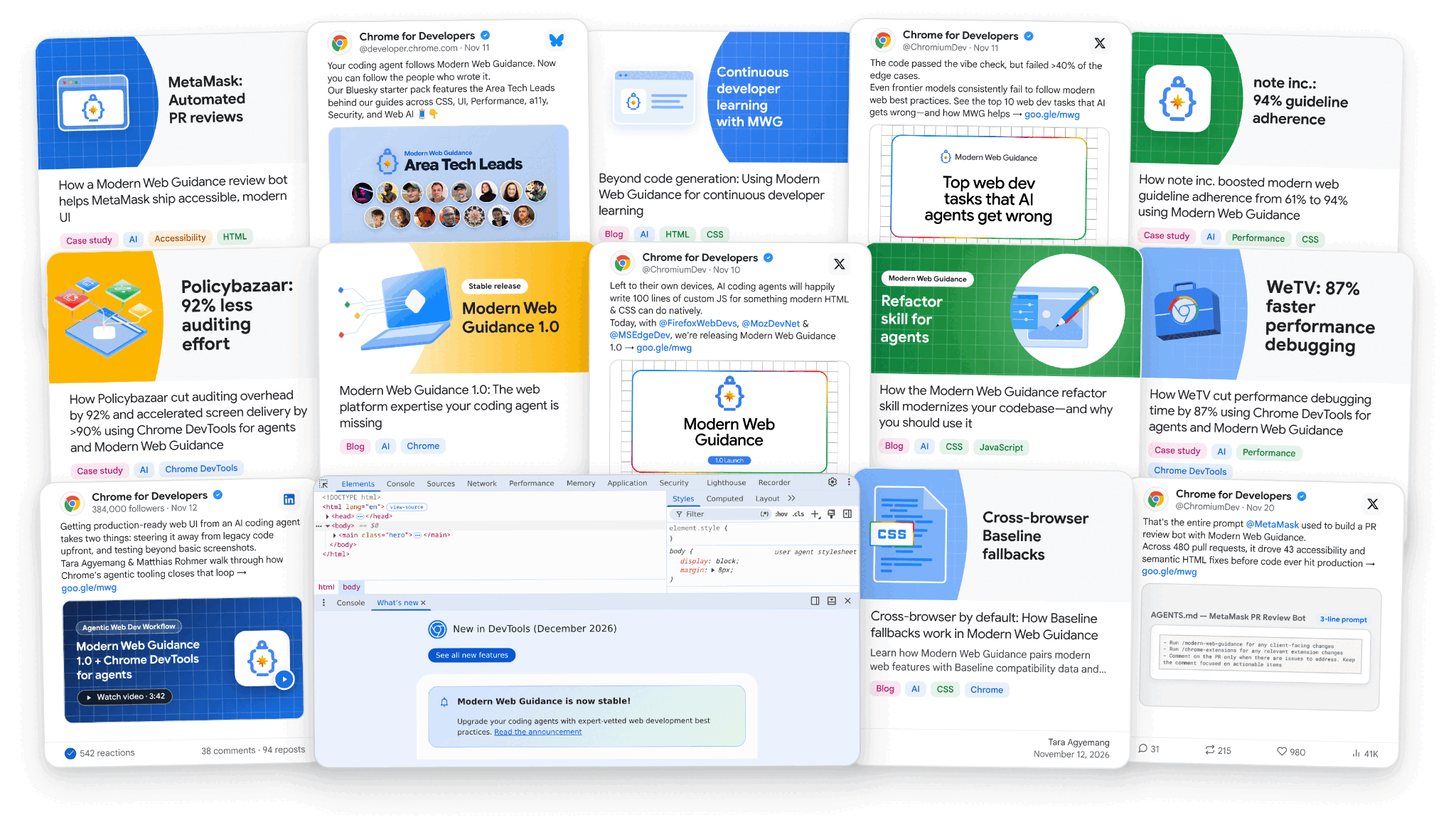
Since sharing the early preview at Google I/O, we've landed a lot of improvements and grown Modern Web Guidance into a cross-browser collaboration with Firefox and Edge. We spent this week unpacking them across articles, case studies, videos, and docs.
In a nutshell
Frontier models often default to legacy patterns for web development. For
example, they prefer a JavaScript animation library over CSS scroll-driven
animations, or build complex nested div monsters instead of using
appearance: base-select for customizable dropdowns.
Modern Web Guidance fixes that by injecting concise, task-scoped guides based on your prompt. Here is what the 1.0 release brings:
- More expert-vetted guides: Spanning performance, style, accessibility, security, privacy, forms, and more. Each skill was reviewed by a technical domain expert and tested. The skills are browsable within the guide catalog.
- Cross-browser by default: Collaboration by the teams that build Mozilla Firefox, Microsoft Edge, and Google Chrome. Every guide is enhanced with Baseline compatibility data and fallbacks.
- Public eval suite: Thousands of eval runs, inspectable on the public eval dashboard, highlighting lifts in pass rates.
Read the Modern Web Guidance 1.0 announcement post for concrete examples of the AI knowledge gaps it solves, end-to-end workflows with Chrome DevTools for agents, and instructions for updating from the I/O preview.
Take more than our word
As co-creators of Modern Web Guidance, of course we're a bit biased. Take a look at how our partners feel about it, after they gave Chrome's full suite of AI coding tools a test in their everyday workflows:
- Policybazaar and Pensionbazaar: Cut new page turnaround and UI bugs by over 90% by closing the build-and-verify loop, while Policybazaar reduced manual Core Web Vitals auditing effort across ~30 landing pages by 92%.
- MetaMask: Wired Modern Web Guidance into a three-line advisory PR review bot across ~480 pull requests, driving 43 accessibility and semantic HTML fixes with a 15-minute median turnaround.
- WeTV: Added Chrome DevTools for agents and Modern Web Guidance to CI/CD to automatically diagnose and fix 90% of recurring CLS regressions, cutting debugging time by 87%.
- note inc.: Combined Modern Web Guidance with rules for its internal design system, lifting modern web check pass rates from 61% to 94% and boosting proper LCP image prioritization by 28%.
Get started
While you might get lucky if you ask your agent to install Modern Web Guidance,
you can be confident using the following npx command to set up your project
and agent in a step-by-step flow.
npx modern-web-guidance@latest install
You can also explore alternative installation options on GitHub.
Once set up, you can take a deep dive into the new use cases and how Modern Web Guidance 1.0 works under the hood:
- Modernizing existing codebases:
How
npx modern-web-guidance@latest legacy-scanpairs fast local syntax checks with contextual agent review to pay down technical debt without noisy churn. - Beyond code generation: Continuous developer learning: Learn how to use Modern Web Guidance as an interactive learning and discovery tool to stay current with modern HTML, CSS, and Web API features while coding with AI agents.
- Cross-browser by default: How Baseline fallbacks work:
How guides use live
web-features data to
match progressive enhancement,
@supportsqueries, and polyfills to your browser targets. - Top 10 things AI gets wrong in web development: Explore 10 common accessibility, UX, performance, and security gaps where even the latest frontier models fail around half of our modern web checks.
- Local vector search for coding agents: From 507 MB to a 7-line loop: Look under the hood at how Modern Web Guidance retrieves relevant guides from its 200+ guide knowledge base in milliseconds without filling your agent's context window.
What's next for agentic web development with Chrome
By using Modern Web Guidance with your coding agent, you're off to a great start. But you can (and should) go even further. Your agent needs a way to run, inspect, and verify that code in a real browser.
For more than a year, Chrome DevTools for agents has given coding agents live runtime visibility with a broad set of tools—from accessibility and performance inspection to memory debugging and recording animations, so your agent can fine-tune them.
In the following weeks, we're celebrating the next milestone of Chrome DevTools for agents. It's going to be even easier to pass the right context from Chrome to your agent.
Try Modern Web Guidance 1.0, and tell us what you think. Both Modern Web Guidance and Chrome DevTools for agents are built in the open, on GitHub. If you spot a web platform task your agent still gets wrong or have an idea for what we should tackle next, open an issue and let us know.